
How to Dispute a Telehealth Facility Fee (POS Code 02)
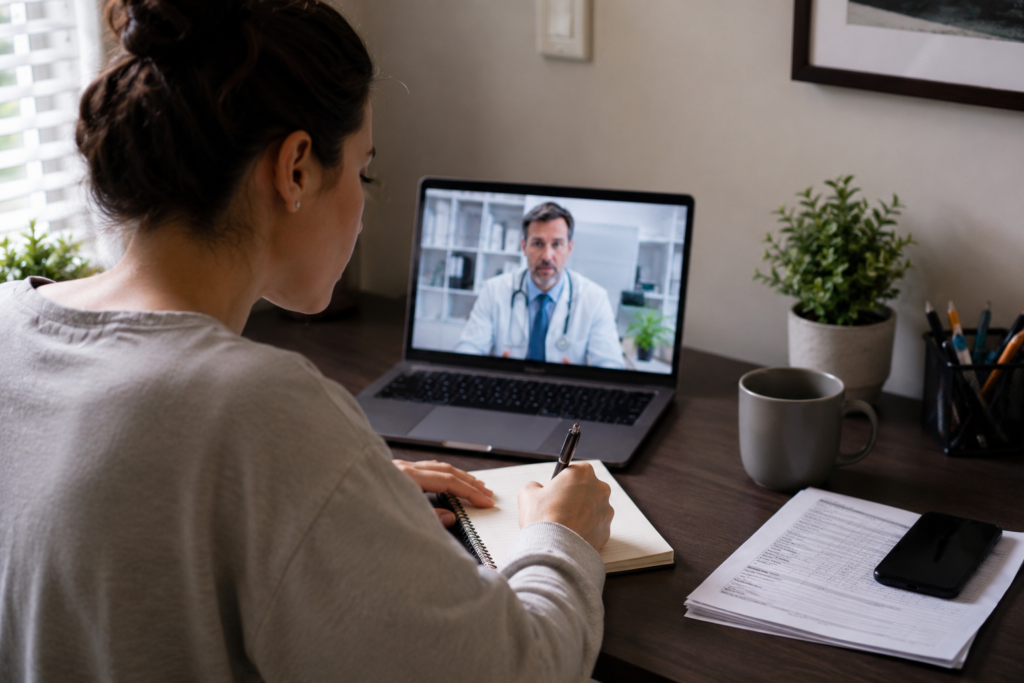
I had a routine telehealth appointment. Fifteen minutes with my doctor. I was sitting at my kitchen table, on my laptop, in my own home.
When the bill arrived, there it was: a $150 facility fee. On top of the consultation charge.
I didn’t use a facility. I used my kitchen table.
My first instinct was that this was just how telehealth billing worked — that facility fees were standard, unavoidable. I almost paid it.
Then I requested the itemized bill. And there, buried in the billing codes, was the problem: the visit had been coded as originating from a hospital facility. Not from my home.
One phone call later, the billing department confirmed it was a coding error. The fee was removed within 10 days.
Here is exactly how to check if the same thing happened to you — and the exact steps to get it fixed.
Why Telehealth Facility Fees Happen (The Coding Error)
When a hospital or clinic bills for a telehealth visit, they must report two locations to the insurance company: where the doctor was, and where you were.
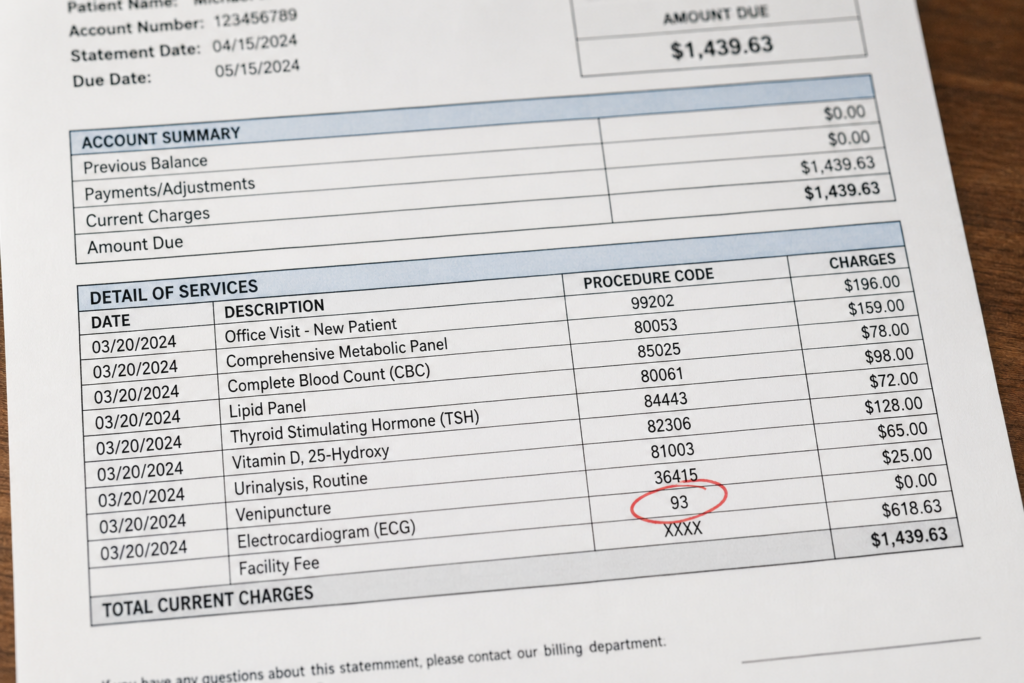
That second part is designated by the Place of Service (POS) code. It’s a two-digit number on your itemized bill that dictates whether the hospital is allowed to charge you for using their facility.
⚠️ The Two Billing Codes You Need to Know
Place of Service 02 — Telehealth, patient receiving services remotely.
Place of Service 10 — Telehealth, patient located in their home.
Facility fee eligibility depends on payer policies and the circumstances of the visit.
Place of Service 11, 19, 21, or 22 — Office, outpatient hospital, inpatient hospital, or on-campus facility. Facility fee can apply.
CMS (Centers for Medicare & Medicaid Services) guidelines uses Place of Service codes to identify where telehealth services are delivered. Incorrect coding may affect how claims are processed and how charges appear on a patient’s bill.
The error occurs because automated billing systems at large hospital networks often default to the facility’s location code. When staff enter the telehealth visit, they may not update the Place of Service field. The system assumes you were in the building, automatically generating a facility fee — often labeled with HCPCS code Q3014.
Step 1: Request an Itemized Bill
You cannot verify the Place of Service code on a standard summary bill. You need the line-by-line breakdown.
Call the billing department and ask specifically for the “itemized bill with Place of Service and HCPCS codes.” If they ask why, tell them you are reviewing the charges before making payment.
What to look for: a line item labeled “Facility Fee,” “Hospital Outpatient Fee,” or “Originating Site Fee” — often with HCPCS code Q3014 next to it. Check the two-digit POS code beside that line. If it shows anything other than 02 for a home-based telehealth visit, you have grounds to dispute.
Step 2: Call the Billing Department
This is more straightforward than most people expect — especially when you know the specific codes to reference.
📞 The Exact Script
You: “Hello, I’m reviewing account number [XXXX] regarding a facility fee for a telehealth visit on [date]. I’m looking at my itemized bill and the Place of Service code indicates a facility location. However, this visit was conducted from my private residence.”
You: “This visit was conducted from my home. I’d like to verify that the Place of Service code and any facility-related charges were applied correctly. I’m requesting a coding review and the removal of the Q3014 facility fee based on this discrepancy.”
If they push back: “I understand. Can you escalate this to a billing supervisor or open a formal coding review? I’m happy to wait.”
Write down the representative’s name, the date and time of the call, and any reference number they provide.
If the Phone Call Doesn’t Work
Sometimes front-line billing staff don’t have the authority to correct a coding error on the spot. If that happens:
Ask for a billing supervisor. Use the same script. Supervisors typically have direct access to submit coding correction requests.
Contact your insurance company. If the facility fee was submitted to your insurer, they have a financial interest in correcting the error too. Call member services and explain that the Place of Service code appears incorrect for a home-based telehealth visit.
Follow up in writing. A written dispute triggers a formal review process that phone calls often don’t. Reference the specific POS code, the date of service, and your account number.
What Happened When I Called
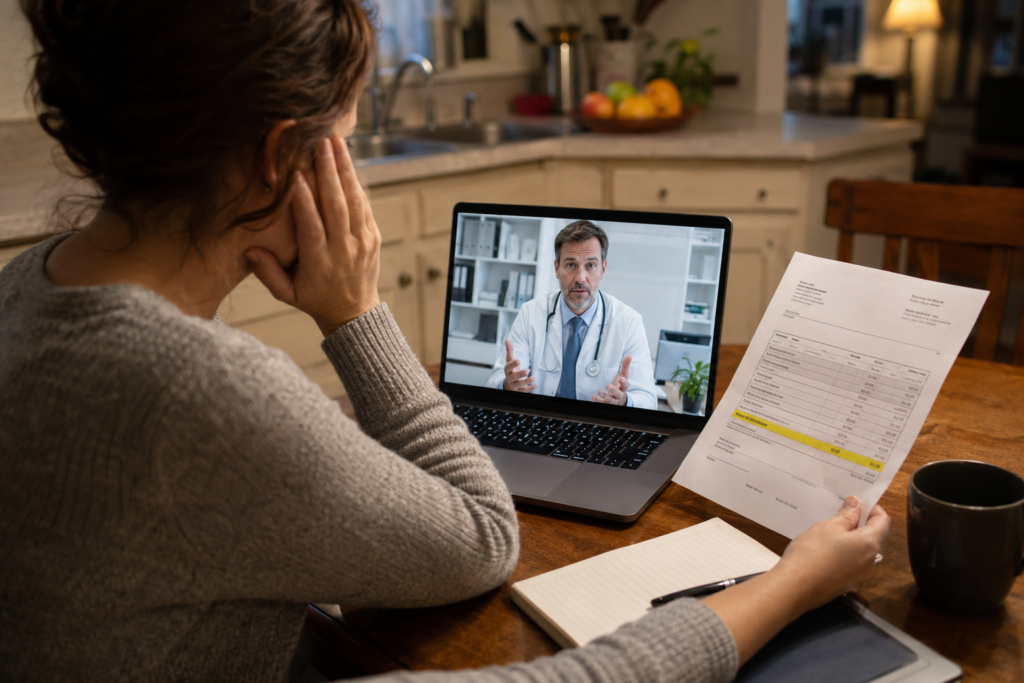
I’ll be honest — I expected resistance.
The billing representative placed me on hold for several minutes while reviewing the claim details. “It looks like this was coded as facility-based. Let me submit a correction.”
Ten days later, a corrected bill arrived. The $150 facility fee was gone.
No certified letters. No escalation. One phone call — because I knew exactly what to ask for.
Navigator Alex Tip
Any time you have a telehealth visit from home, write down the date and your physical location before the bill even arrives. It takes ten seconds. If a facility fee shows up later, you have a clear record to reference.
And if you’re reading this after already paying a facility fee — call anyway. Many billing departments will issue a retroactive credit or refund if a coding error is confirmed, even after payment.
📋 Related Guides
More tools to catch and fix billing errors before you pay.
🧾 How to Request an Itemized Bill from a Hospital — You can’t spot a coding error without the line-by-line breakdown.
⚡ Charged a Facility Fee for Telehealth? Here’s What It Is and How to Fight It — The broader guide to telehealth facility fee disputes.
🔍 Common Hospital Billing Errors: How to Spot Mistakes on Your Itemized Bill — Place of Service errors are just one type. Here’s what else to look for.
✉️ How to Write a Dispute Letter to Your Hospital Billing Department — If the phone call doesn’t resolve it, here’s the next step.
🏥 How to Avoid Facility Fees Before Your Next Telehealth Visit — Prevention is easier than disputing after the fact.

Alex Carter
Healthcare Billing Researcher & Consumer Advocacy Writer
Alex spent years researching how U.S. hospital billing systems work — and more importantly, how patients can push back. CareOrER was built to give everyday Americans the same information that billing departments already have.
Disclaimer: This article is for educational purposes only and does not constitute legal or financial advice. Billing codes and Place of Service requirements vary by payer and may change. Always verify current guidelines with your insurance company or a qualified billing professional.